Signposting for employee carers & families
Give care-concierge advisers and nurse helplines a practical, camera-free room option to recommend when relatives live alone.
Offer members living alone a camera-free nightlight that checks in after a possible fall and alerts the family app. Explore a member offer, assessed-equipment route or funded programme, subject to eligibility
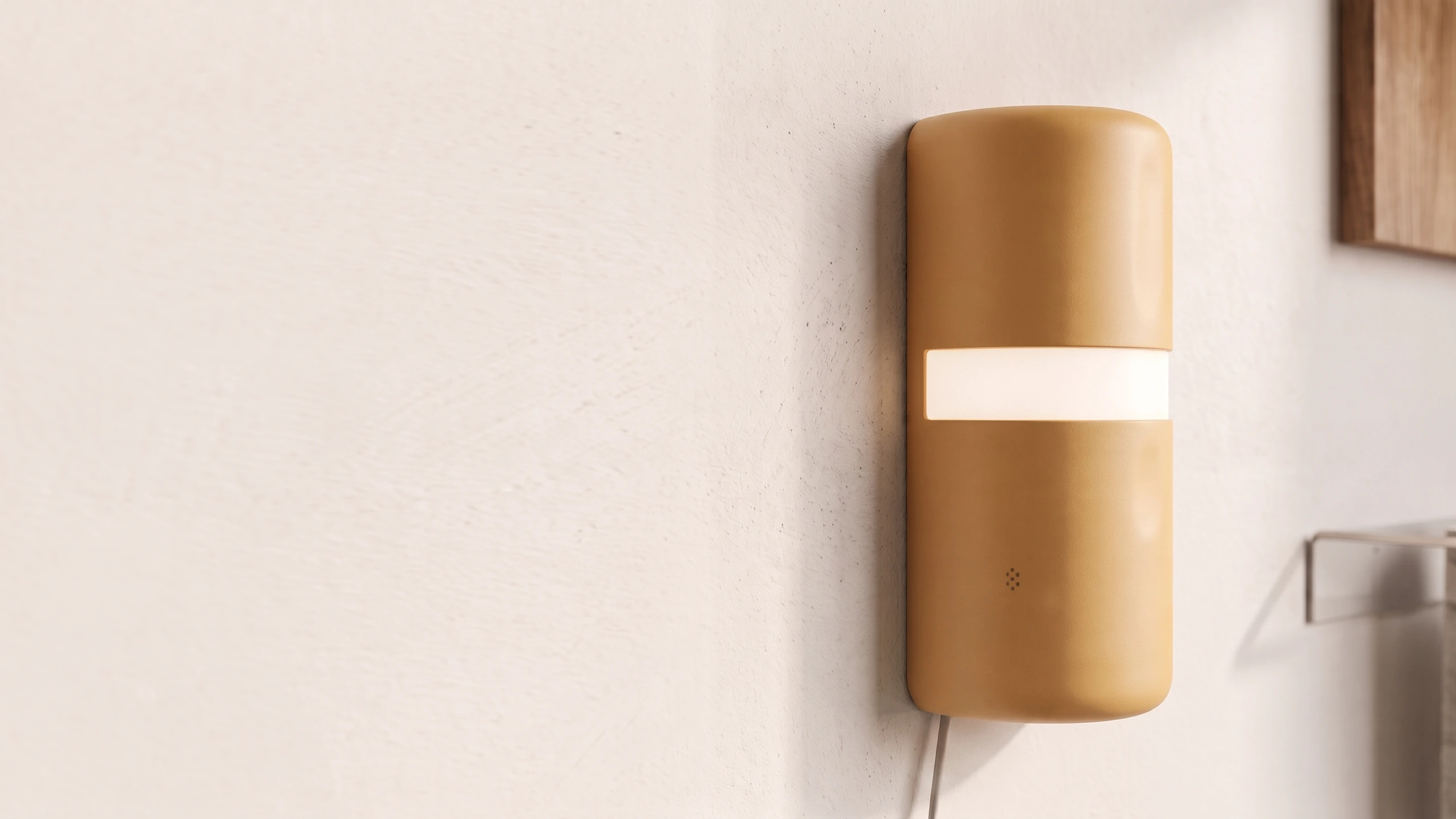
A familiar nightlight for an older person living alone
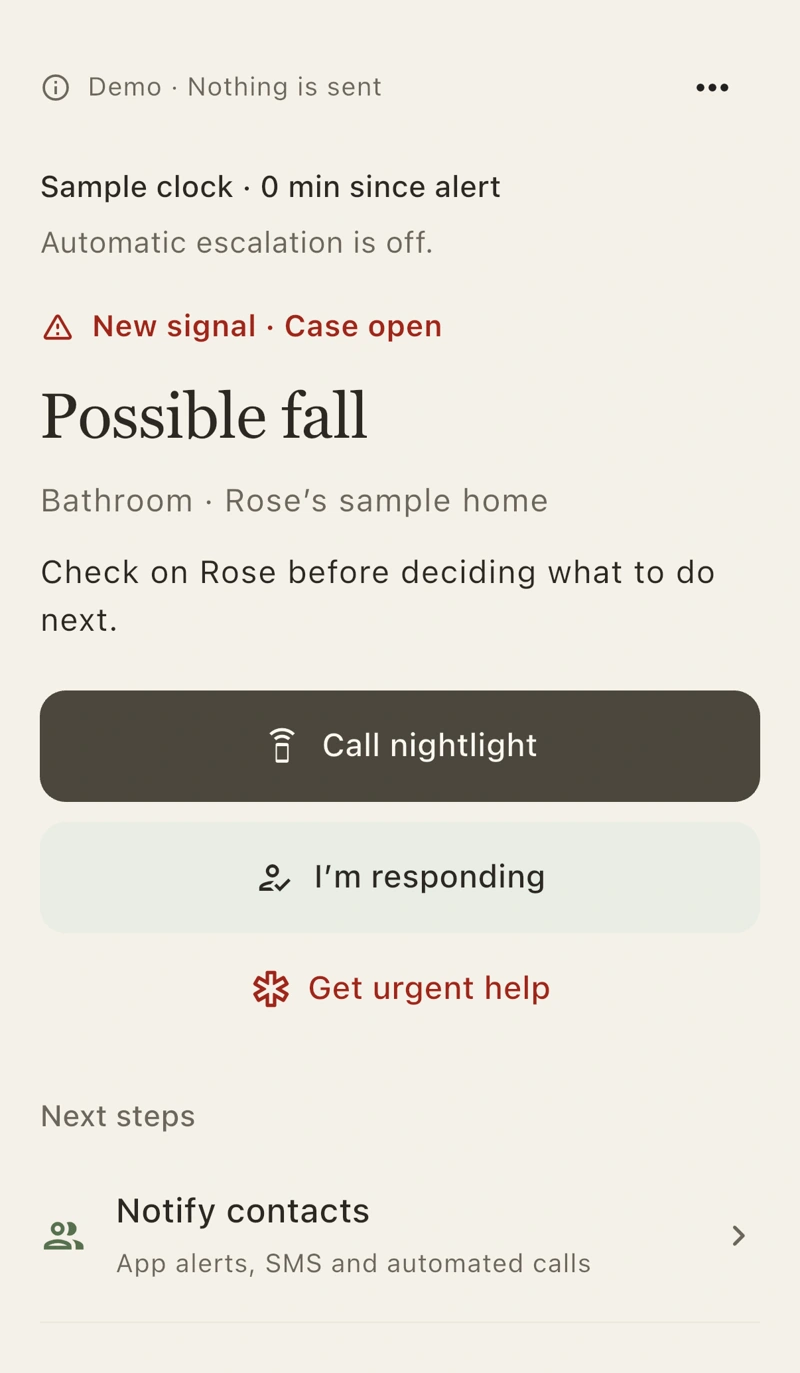
App alerts and a way to speak through the unit
An offer shaped around eligibility, funding and fulfilment
Fit care-concierge signposting, member perks, assessed equipment or innovation pilots without assuming standard PERS rules
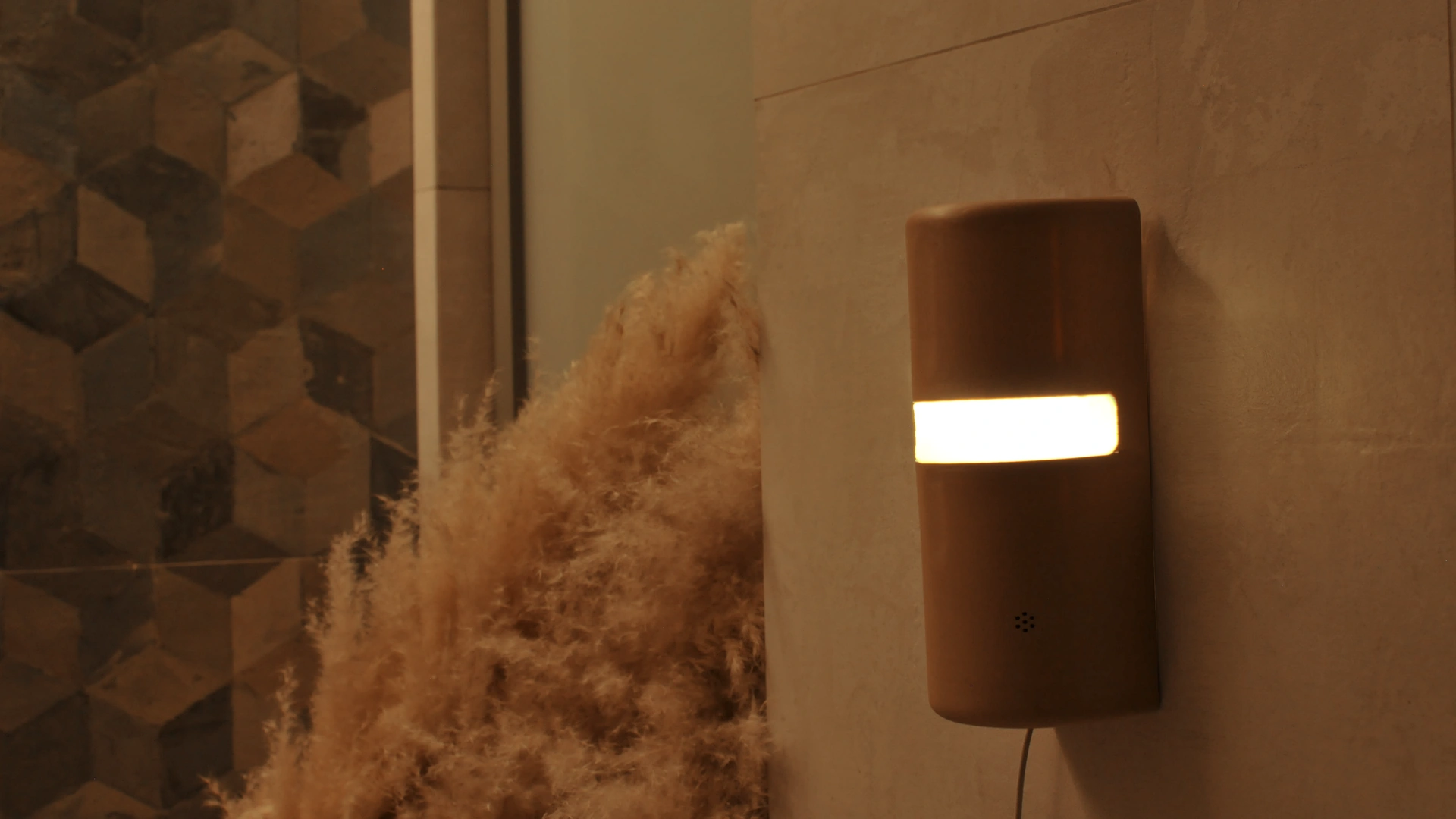
A camera-free nightlight adds possible-fall sensing in one installed room, with nothing to wear. A nominated family contact receives app alerts and can speak through the unit.
Give care-concierge advisers and nurse helplines a practical, camera-free room option to recommend when relatives live alone.
Explore a member-paid offer or assess whether a defined allowance can fund the device, subject to programme eligibility and supplier approval.
Test uptake, member acceptance and operational fit across a defined household cohort before wider benefit inclusion.
Clear division between product support, member eligibility and evaluation criteria
Define the member group, household onboarding and evaluation criteria before wider programme inclusion
Identify older adults living alone and the family or designated responder. Define the intended support and budget route.
Agree onboarding and fulfilment for the installed room, including power, Wi-Fi and the nominated app contact.
Review uptake, ongoing use and support needs against agreed criteria before a broader benefit or equipment decision.
See the working nightlight, spoken check-in and family-app audio. Discuss the member group, funding, household setup and responder roles for a small evaluation.
We’ll reply to arrange a time. Or email business@liacare.co